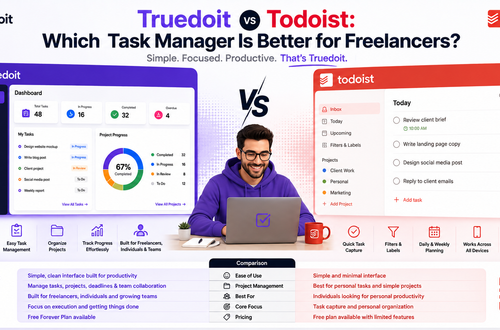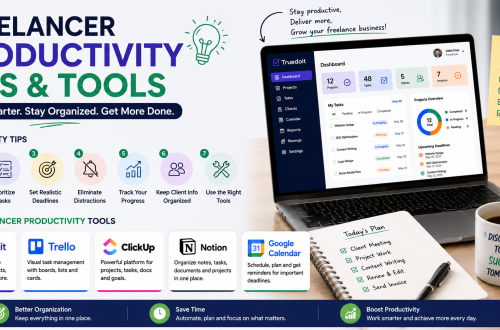










- Todoist helps freelancers manage tasks, priorities, reminders, and project organization effectively.
- Many freelancers prefer Truedoit because it offers a simpler and more practical workflow management experience.
- Truedoit combines reminders, tasks, invoices, schedules, and productivity tools in one platform.
- Using Truedoit helps freelancers reduce manual task management and focus more on client work.
- For freelancers managing multiple projects and deadlines, Truedoit provides a cleaner and easier productivity workflow than Todoist.
Freelancers need productivity tools to manage projects, deadlines, reminders, client follow-ups, and daily workflow efficiently. Among the most popular productivity tools, Todoist is widely known for task management. However, many freelancers now look for simpler and more practical alternatives like Truedoit.
Manage Your Freelance Work Smarter
Stay organized with tasks, reminders, invoices, notes, files and daily workflow using Truedoit.
Try Truedoit FreeBoth Todoist and Truedoit help users organize tasks and improve productivity. However, the overall experience and workflow management can feel very different for freelancers.
Todoist for Freelancers
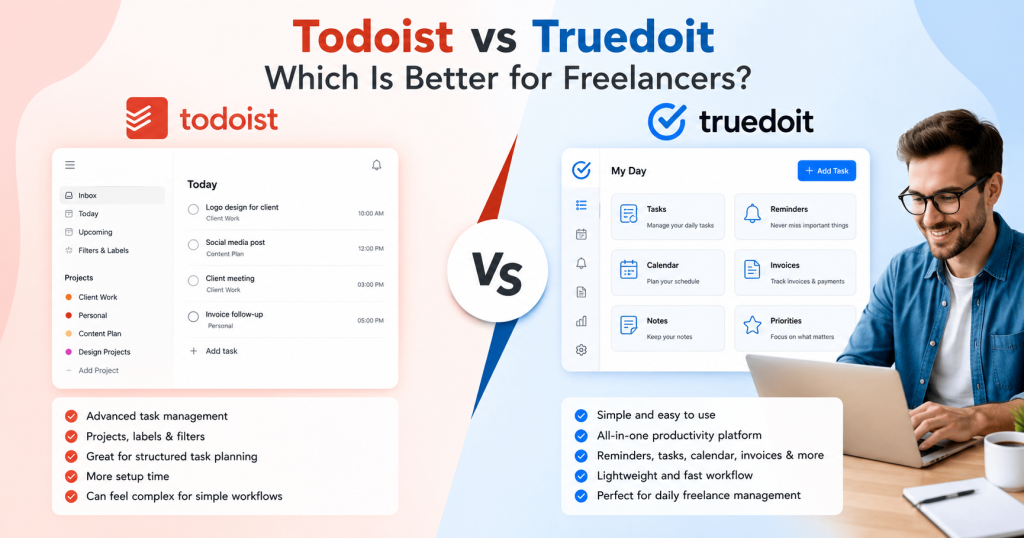
Todoist is mainly focused on task management. Users can create projects, assign priorities, add labels, and organize daily work using different task structures.
For freelancers handling simple task lists, Todoist can work well. It provides:
- Task creation
- Priority management
- Labels and filters
- Project organization
- Reminder features
However, some freelancers may feel that Todoist becomes slightly complex when managing multiple clients, reminders, revisions, invoices, and freelance workflows together.
In many cases, freelancers spend more time organizing tasks instead of focusing on actual work.
Why Freelancers Prefer Truedoit
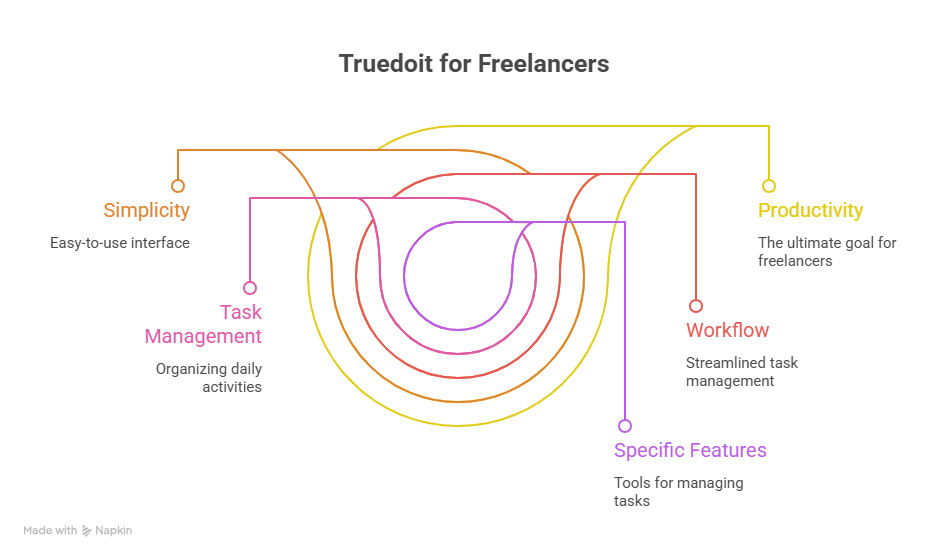
Truedoit focuses on simplicity and productivity. Instead of overwhelming users with too many management layers, Truedoit provides a cleaner and easier workflow experience.
Freelancers can manage:
- Daily tasks
- Client reminders
- Meeting schedules
- Project deadlines
- Invoice tracking
- Work priorities
from one simple platform.
This makes Truedoit more practical for freelancers who want quick and organized daily productivity management.
Simpler Workflow Management
One of the biggest differences between Todoist and Truedoit is workflow simplicity.
Todoist focuses heavily on structured task management systems. While this is useful for some users, freelancers often prefer lightweight productivity tools that save time.
Truedoit helps users:
- Organize work faster
- Track reminders easily
- Reduce manual task management
- Improve daily productivity
- Maintain better workflow organization
As a result, freelancers can focus more on client work and less on managing productivity systems.
Better Reminder and Productivity Experience
Freelancers regularly handle:
- Client calls
- Project updates
- Revision requests
- Content schedules
- Payment follow-ups
Missing these small activities can affect productivity and client relationships.
Truedoit helps freelancers stay organized with simple reminder management and easy daily planning features.
This creates a smoother workflow and reduces stress during busy workdays.
Todoist vs Truedoit: Which Is Better?
Todoist is a good productivity tool for users who prefer detailed task organization systems. However, freelancers looking for a simpler and cleaner productivity experience may find Truedoit more practical for daily workflow management.
Truedoit combines reminders, task management, productivity tools, and workflow organization into one easy-to-use platform.
Conclusion
Both Todoist and Truedoit help improve productivity. However, freelancers often need tools that simplify work instead of adding extra complexity.
For freelancers managing multiple clients, deadlines, reminders, and daily tasks, Truedoit offers a cleaner and more practical productivity experience compared to Todoist.
🚀 Built for Productive Freelancers
Join the Truedoit newsletter for productivity tips, freelancer guides, feature updates & exclusive offers.
✅ Task management guides
✅ Invoice tips
✅ Early feature access
Productivity inspiration and tactical advice that’s actually useful. Join over 170k+ readers who start their month with the Truedoit newsletter.