





Freelancing gives you the freedom to work from anywhere, but it also comes with challenges like managing multiple clients, meeting deadlines, and staying organized. Using the right freelancer productivity tools and following smart productivity habits can help you complete projects faster while maintaining high-quality work.
Manage Your Freelance Work Smarter
Stay organized with tasks, reminders, invoices, notes, files and daily workflow using Truedoit.
Try Truedoit FreeIn this guide, you’ll discover practical productivity tips and the best tools that can help freelancers work smarter every day.
Why Productivity Matters for Freelancers
Unlike traditional employees, freelancers manage every part of their business. From finding clients and completing projects to sending invoices and tracking deadlines, every task depends on effective time management.
Using reliable freelancer productivity tools helps you:
- Organize projects efficiently.
- Reduce missed deadlines.
- Improve time management.
- Manage multiple clients with ease.
- Increase daily productivity.
- Grow your freelance business.
The more organized your workflow is, the more time you have to focus on delivering quality work.
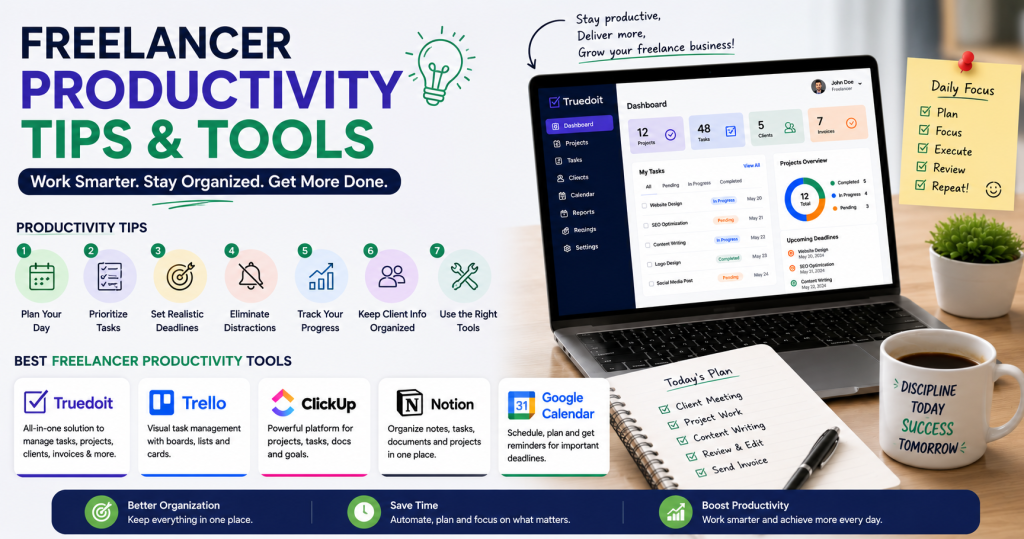
7 Productivity Tips Every Freelancer Should Follow
1. Plan Your Day Before You Start
Begin each day by creating a list of your most important tasks. Prioritize work based on deadlines and client requirements instead of completing tasks randomly.
2. Break Large Projects into Smaller Tasks
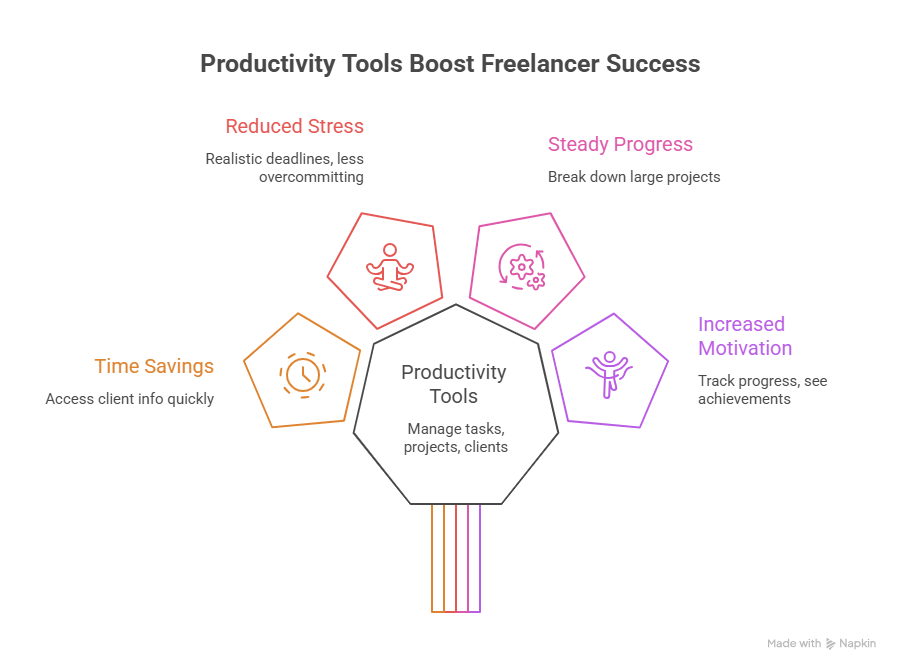
Large projects can feel overwhelming. Divide them into smaller, manageable tasks to make steady progress and stay motivated.
3. Set Realistic Deadlines
Avoid overcommitting to clients. Giving yourself enough time helps maintain quality while reducing stress.
4. Eliminate Distractions
Turn off unnecessary notifications, organize your workspace, and dedicate specific hours for focused work.
5. Track Your Progress
Review completed tasks regularly. Tracking progress keeps you motivated and helps you identify areas for improvement.
6. Keep Client Information Organized
Store client details, project requirements, and communication history in one place to save time when switching between projects.
7. Use Productivity Tools
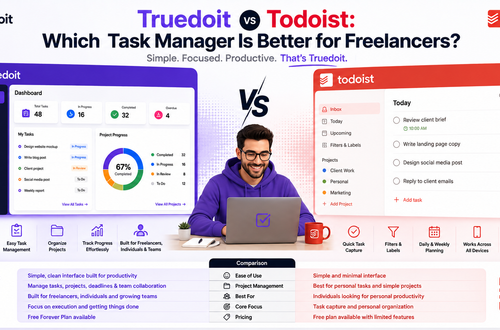
The easiest way to stay organized is by using professional freelancer productivity tools that help manage tasks, projects, deadlines, and clients.
Best Freelancer Productivity Tools
Choosing the right productivity software can significantly improve your workflow. Here are some of the most popular freelancer productivity tools available today.
1. Truedoit
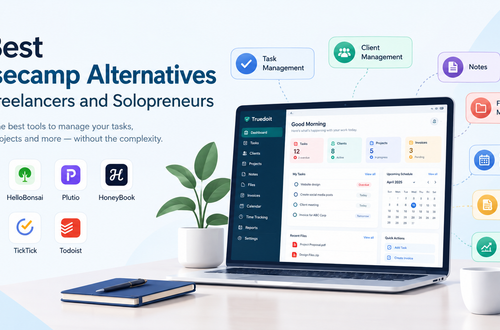
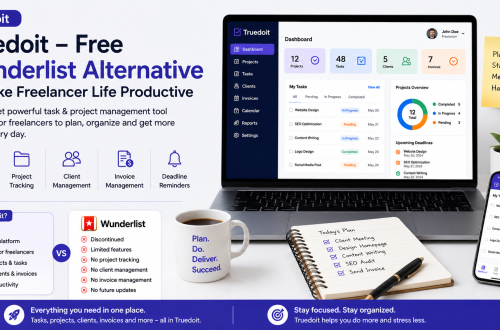
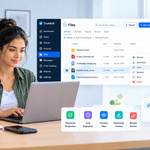
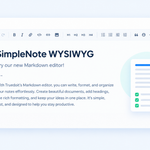
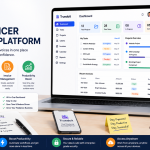
Truedoit is an all-in-one productivity platform designed for freelancers, consultants, agencies, and small businesses.
It helps you:
- Manage daily tasks
- Track projects
- Organize client information
- Monitor deadlines
- Manage invoices
- Stay productive from one dashboard
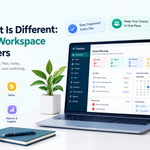
Instead of using multiple applications, Truedoit keeps everything organized in one workspace, making it easier to manage your freelance business.
2. Trello
Trello offers visual Kanban boards that help freelancers organize tasks using simple drag-and-drop cards.
Best for:
- Simple project organization
- Visual task management
- Personal productivity
3. ClickUp
ClickUp combines project management, task tracking, time management, and collaboration tools into one platform.
Best for:
- Advanced project planning
- Productivity tracking
- Complex workflows
4. Notion
Notion combines notes, documents, project management, and task organization in a flexible workspace.
Best for:
- Documentation
- Content planning
- Knowledge management
5. Google Calendar
Google Calendar helps freelancers organize meetings, project deadlines, and daily schedules with reminders and notifications.
Best for:
- Scheduling
- Deadline reminders
- Time management
Why Truedoit Is a Great Productivity Tool
Among today’s freelancer productivity tools, Truedoit stands out because it combines multiple business management features into one platform.
With Truedoit, freelancers can:
- Plan daily work efficiently.
- Organize client projects.
- Track project progress.
- Store client information securely.
- Monitor deadlines.
- Manage invoices from one dashboard.
- Improve productivity without switching between multiple apps.
Whether you’re managing one client or several ongoing projects, Truedoit helps simplify your workflow so you can focus on growing your freelance business.
Final Thoughts
Improving productivity isn’t about working longer hours—it’s about working smarter. By following practical productivity habits and using reliable freelancer productivity tools, you can stay organized, meet deadlines, and deliver better results to your clients.
If you’re looking for a complete productivity solution, Truedoit provides everything you need to manage tasks, projects, clients, and invoices in one easy-to-use platform.
Frequently Asked Questions
What are the best freelancer productivity tools?
Some of the best freelancer productivity tools include Truedoit, Trello, ClickUp, Notion, and Google Calendar. These tools help freelancers organize tasks, manage projects, track deadlines, and improve productivity.
How can freelancers become more productive?
Freelancers can improve productivity by planning daily tasks, prioritizing important work, breaking projects into smaller tasks, avoiding distractions, and using professional freelancer productivity tools like Truedoit.
Why should freelancers use Truedoit?
Truedoit helps freelancers manage tasks, organize projects, track deadlines, store client information, and manage invoices from one dashboard. This reduces manual work and improves overall productivity.
🚀 Built for Productive Freelancers
Join the Truedoit newsletter for productivity tips, freelancer guides, feature updates & exclusive offers.
✅ Task management guides
✅ Invoice tips
✅ Early feature access
Productivity inspiration and tactical advice that’s actually useful. Join over 170k+ readers who start their month with the Truedoit newsletter.