



Freelancers often manage multiple clients, projects, deadlines, and invoices at the same time. Without a proper system, tasks can become confusing, deadlines can slip, and important client follow-ups can get missed. The right task managers help freelancers organize their work, track project progress, manage deadlines, and improve productivity. Whether you work independently or manage a small team, choosing the right productivity tool can make your daily workflow easier.
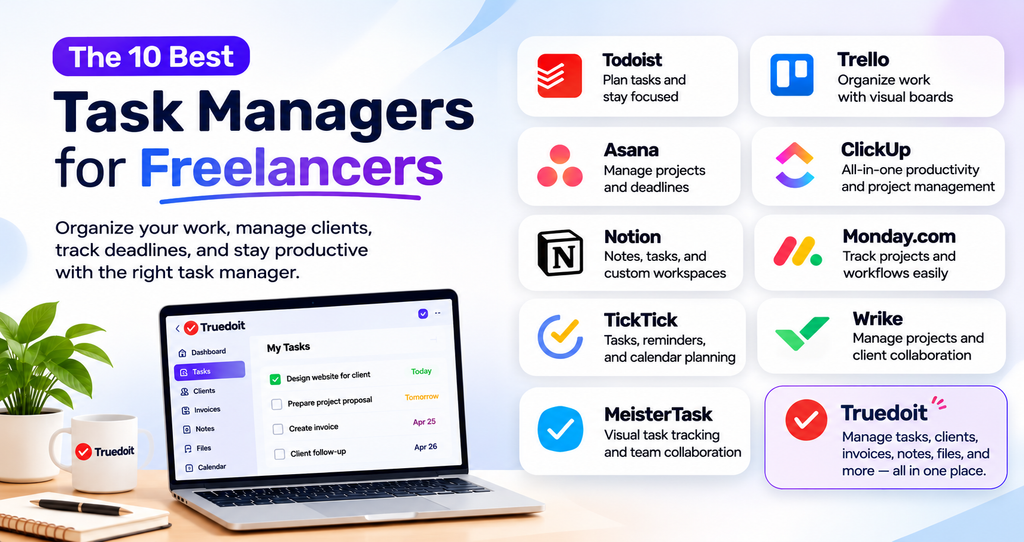
Here are 10 of the best task managers freelancers can use to stay organized and manage their work efficiently.
1, Truedoit
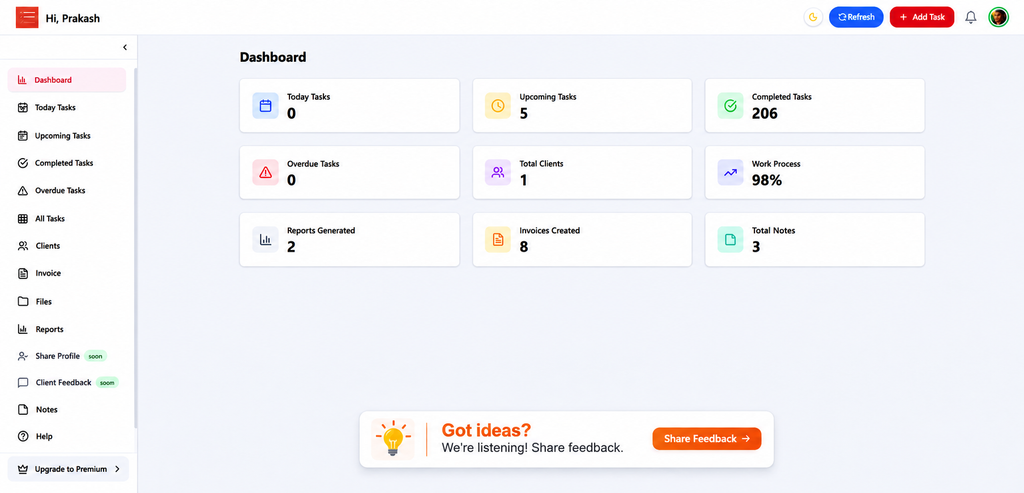
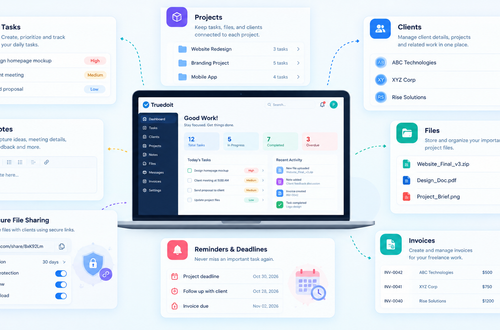
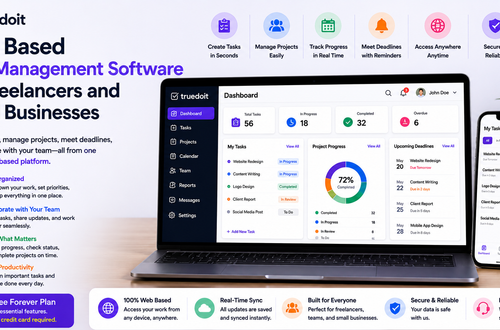
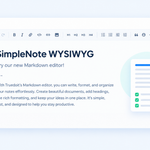
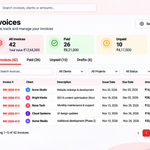
Truedoit is an all-in-one freelancer management platform that helps freelancers manage tasks, clients, invoices, notes, files, reminders, and productivity from a single dashboard.
Instead of switching between multiple productivity tools, freelancers can organize their work and manage client-related activities in one place. Truedoit offers a free plan and a premium plan for freelancers who need additional features.
Best for: Freelancers who want task management, client management, and invoicing in one workspace.
2. Trello
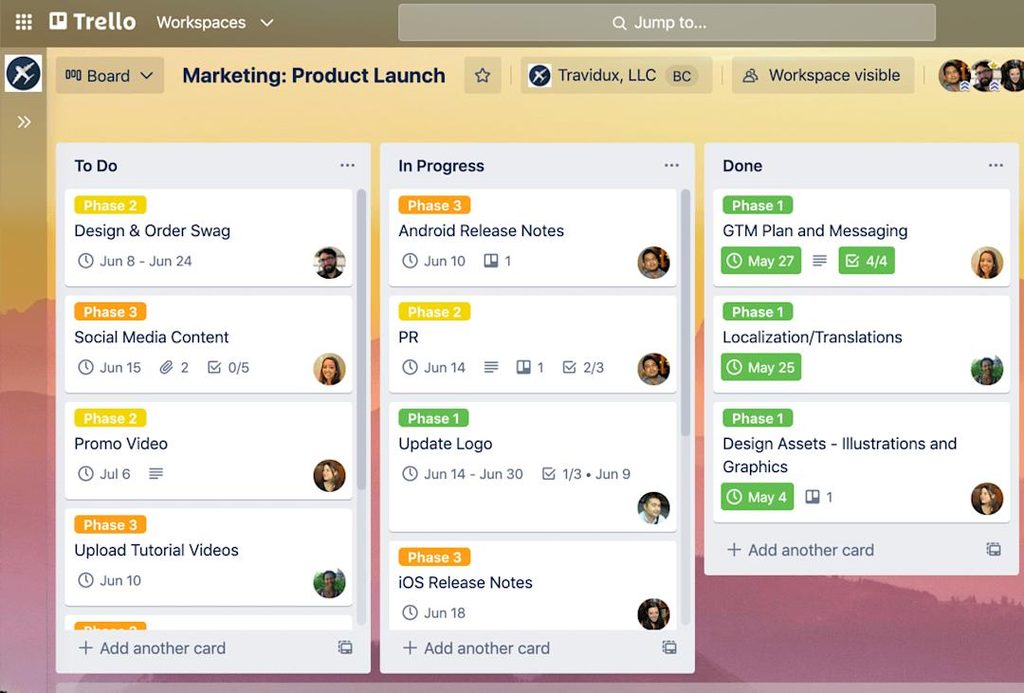
Trello uses boards, lists, and cards to organize projects. Freelancers can create boards for clients, move tasks between stages, and track project progress visually.
Best for: Visual project management and creative workflows.
3. Asana
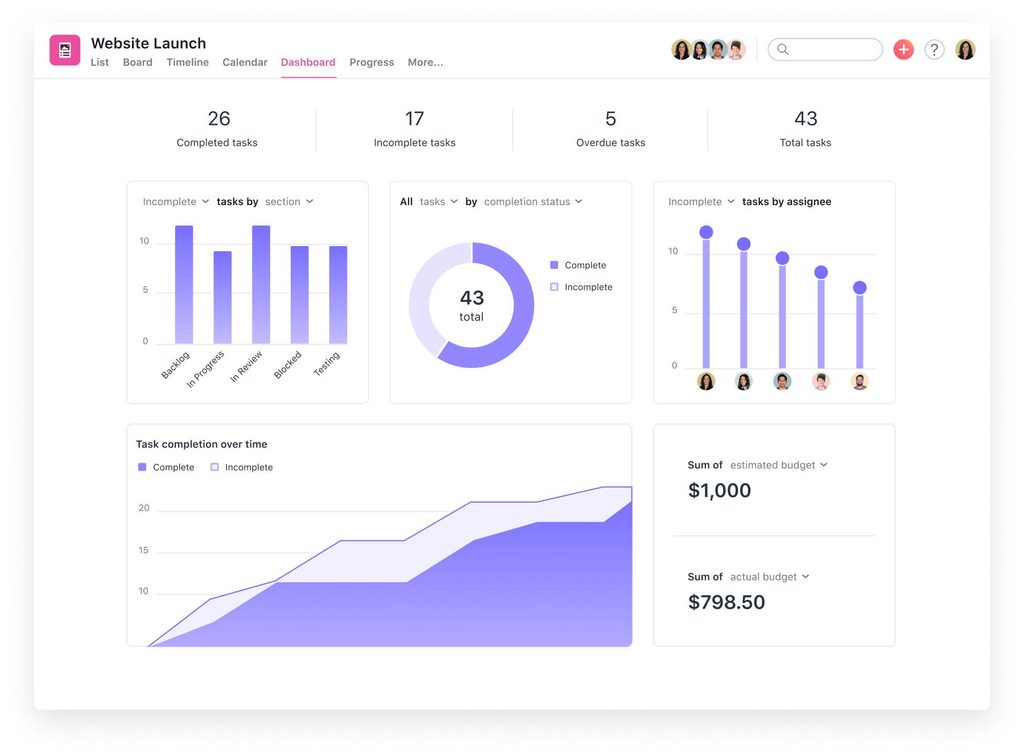
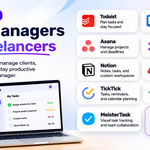
Asana helps freelancers organize projects, assign tasks, set deadlines, and monitor progress. It works well for freelancers collaborating with clients or other professionals.
Best for: Managing complex projects and collaboration.
4. ClickUp
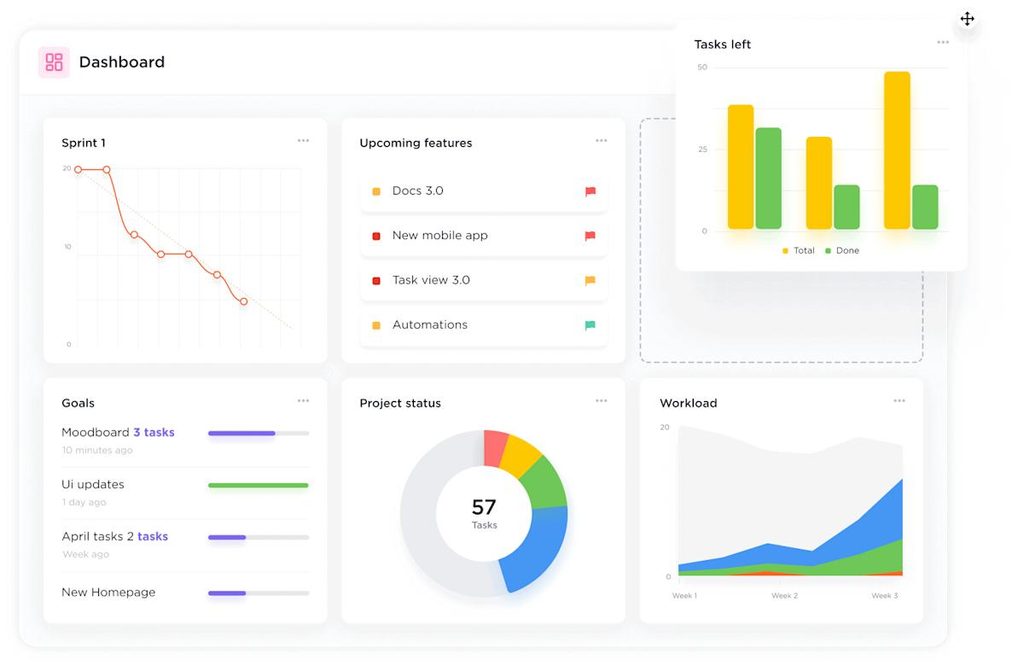
ClickUp combines task management, documents, goals, project tracking, and collaboration tools. Freelancers can customize workflows to match their working style.
Best for: Freelancers who need multiple productivity features in one platform.
5. Notion
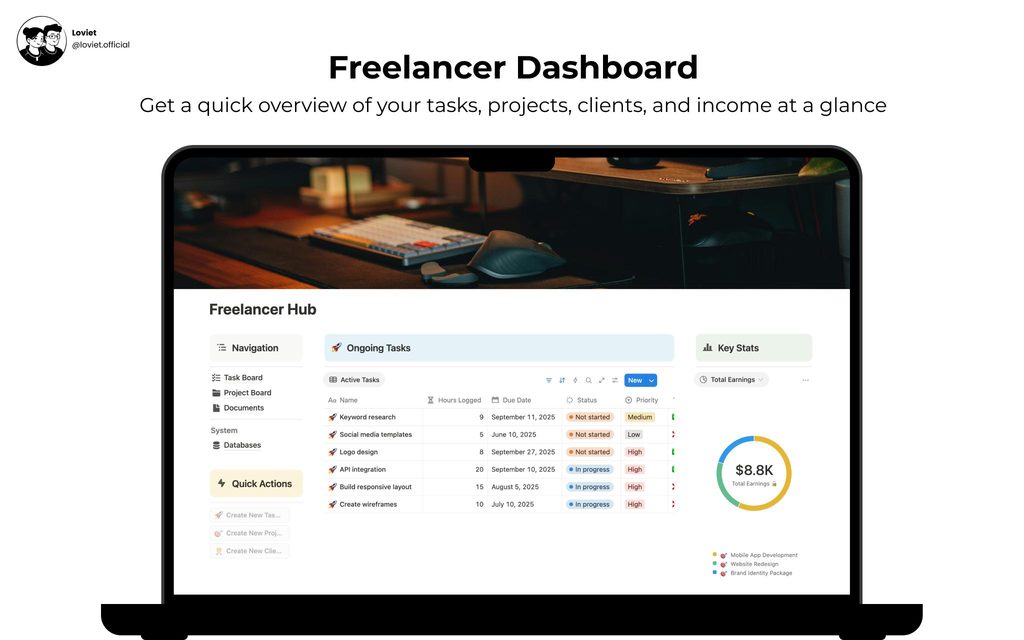
Notion lets freelancers create task databases, project plans, notes, documentation, and client workspaces. Its flexible structure helps freelancers build personalized work systems.
Best for: Notes, documentation, and customized workspaces.
6. Monday.com
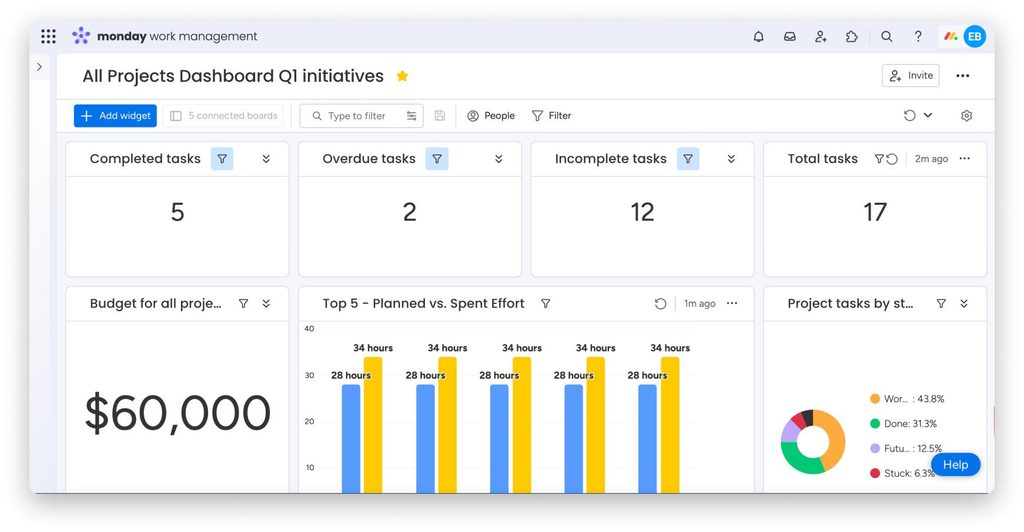
monday.com provides visual project boards, task tracking, workflow automation, and team collaboration. Freelancers handling multiple projects can use it to monitor progress and organize deliverables.
Best for: Managing multiple projects and workflows.
7. TickTick
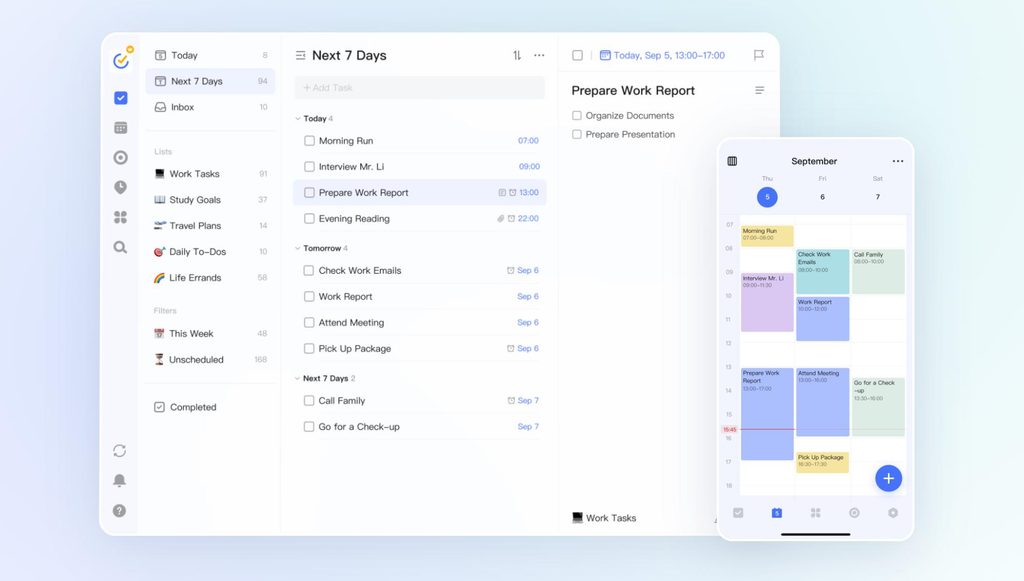
TickTick combines task lists, reminders, calendar planning, and productivity tools. It helps freelancers plan their schedules and maintain consistent daily routines.
Best for: Daily planning and time management.
8. Wrike
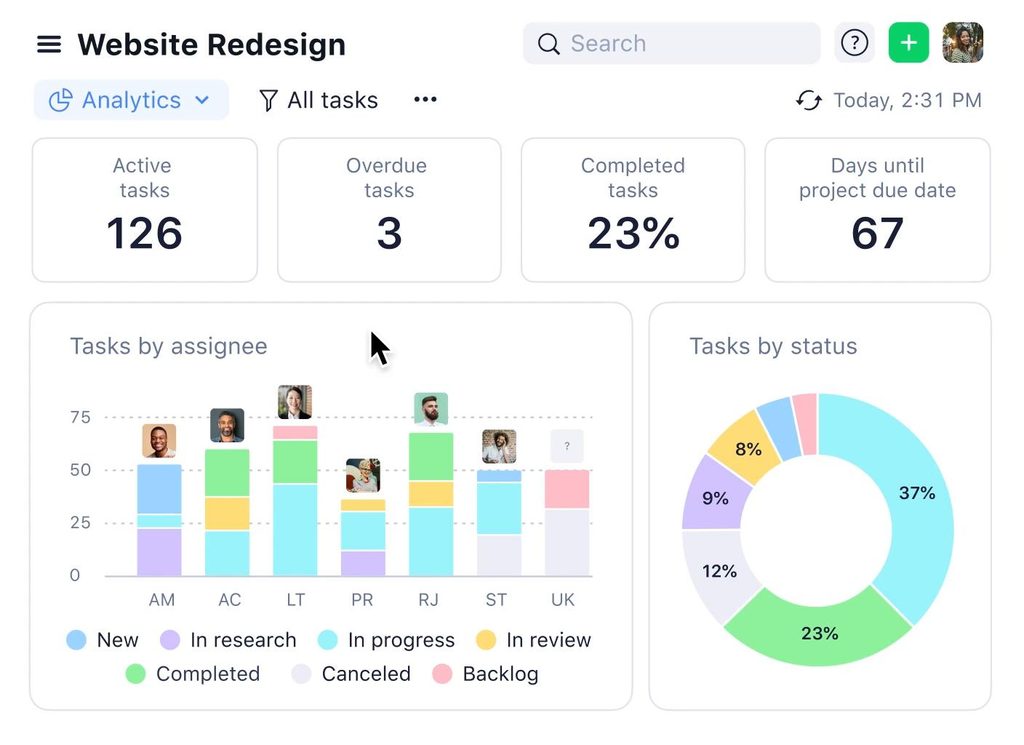
Wrike offers task tracking, project planning, collaboration, and workflow management. Freelancers working with agencies or larger clients can use it to coordinate deliverables and deadlines.
Best for: Client projects with complex workflows.
9. MeisterTask
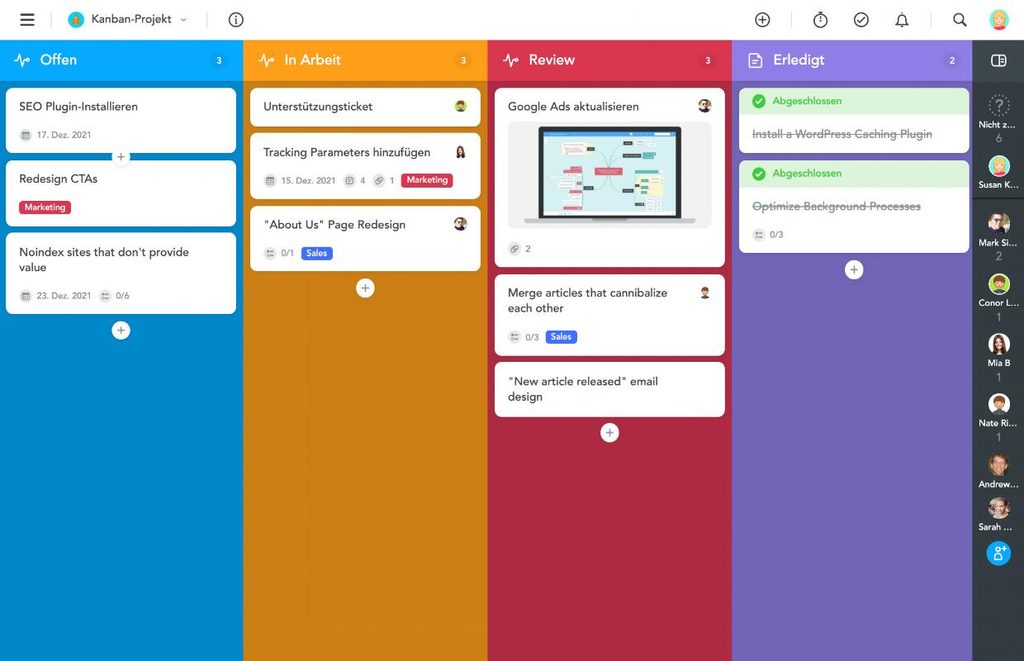
MeisterTask provides visual task boards, project tracking, automation, and collaboration features. Its straightforward interface helps freelancers organize projects without unnecessary complexity.
Best for: Simple visual task tracking.
10. Todoist
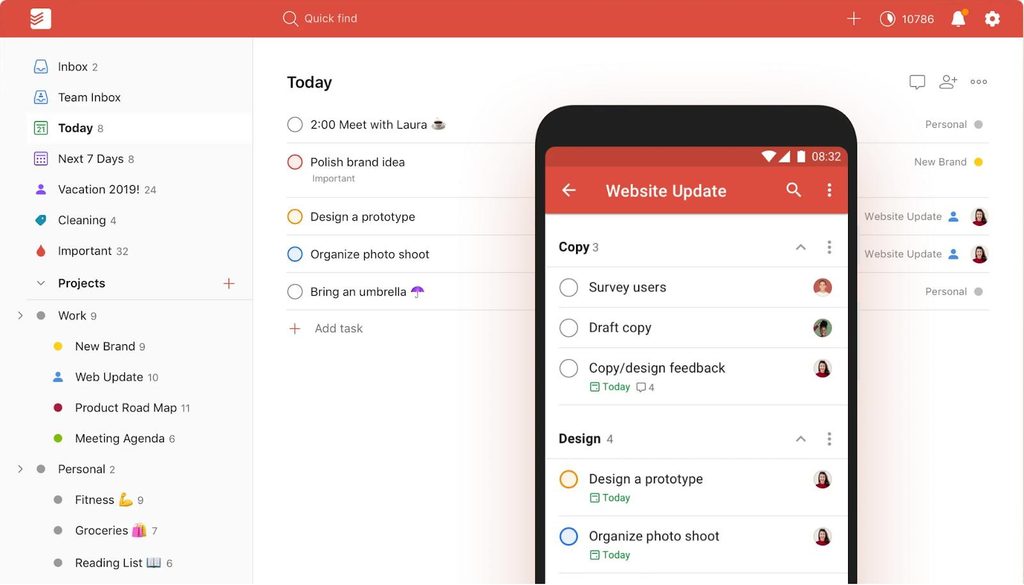
Todoist helps freelancers organize daily tasks, set deadlines, create recurring tasks, and prioritize work. Its simple interface makes it useful for freelancers who want to manage personal workloads without complicated project management systems.
Best for: Daily task planning and personal productivity.
How to Choose the Right Task Manager
Before choosing a task manager, consider your workload, budget, project complexity, and client requirements. Look for tools that offer task tracking, reminders, project organization, and collaboration features.
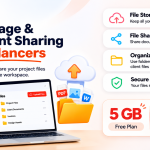
If you manage several clients, choose a platform that also supports client management, invoicing, and file sharing. The right tool can save time, reduce manual work, and help you focus on delivering quality work.
Conclusion
Choosing the right task manager can make freelancing more organized and productive. From simple to-do lists to advanced project management platforms, these tools help freelancers manage their workload, meet deadlines, and deliver better results.
If you want to manage tasks, clients, invoices, and files without switching between multiple tools, Truedoit is worth exploring. Find a productivity tool that fits your workflow and spend less time organizing work and more time growing your freelance business.
Frequently Asked Questions
1. What are the best task managers for freelancers?
Truedoit, Trello, ClickUp, Asana, Notion, and Todoist are popular options. The best choice depends on your workflow, budget, and whether you need additional features such as invoicing and client management.
2. Why should freelancers use task managers?
Task managers help freelancers organize projects, prioritize tasks, track deadlines, manage client work, and improve productivity. They also reduce the chances of forgetting important tasks or missing deadlines.
3. Are there free task managers for freelancers?
Yes. Several task managers offer free plans, including Truedoit, Trello, ClickUp, Notion, and Todoist. Freelancers can start with free plans and upgrade when they need additional features.
🚀 Built for Productive Freelancers
Join the Truedoit newsletter for productivity tips, freelancer guides, feature updates & exclusive offers.
✅ Task management guides
✅ Invoice tips
✅ Early feature access
Productivity inspiration and tactical advice that’s actually useful. Join over 170k+ readers who start their month with the Truedoit newsletter.