




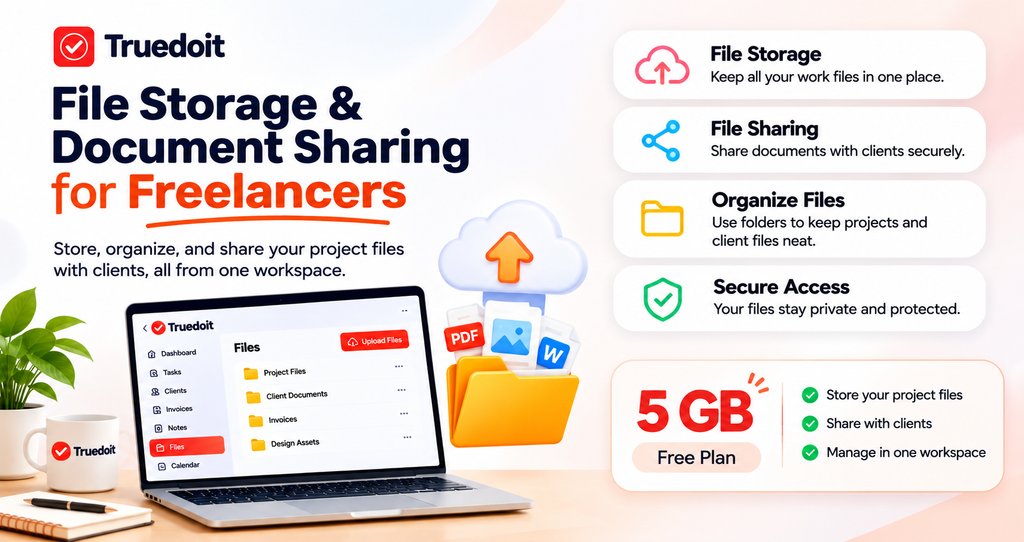
Freelancers often share documents, project files, contracts, invoices, designs, and reports with clients. Managing these files across emails and different applications can waste time and create confusion. The right document sharing platforms help freelancers upload files, share documents, collaborate with clients, and organize project information efficiently. Many platforms also offer cloud storage, access controls, and collaboration features that simplify remote work.
Here are 10 document sharing platforms freelancers can use to improve productivity and manage their files.
1. Truedoit
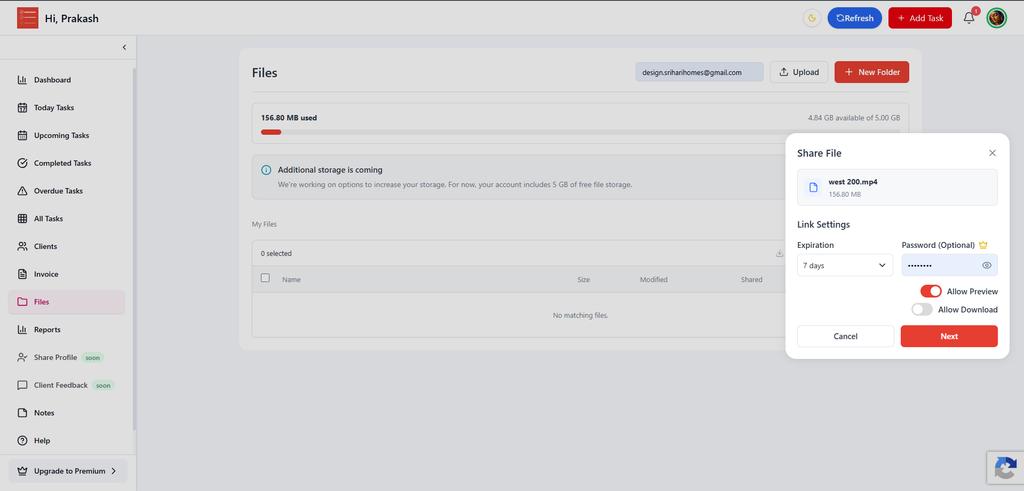
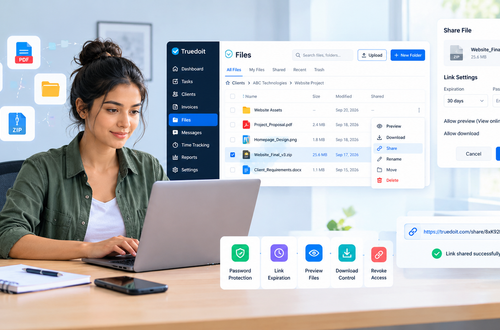
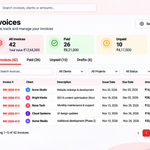
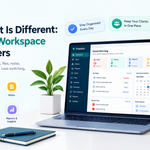
Truedoit is an all-in-one freelancer management platform that helps freelancers organize tasks, clients, invoices, notes, and files from one workspace.
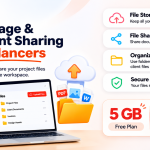
Freelancers can use its file storage and file-sharing features to keep project documents organized while managing client work, deadlines, and invoices. Instead of switching between multiple productivity tools, they can handle essential freelance activities in one platform.
Best for: Freelancers who want file sharing combined with task, client, and invoice management.
2. Dropbox
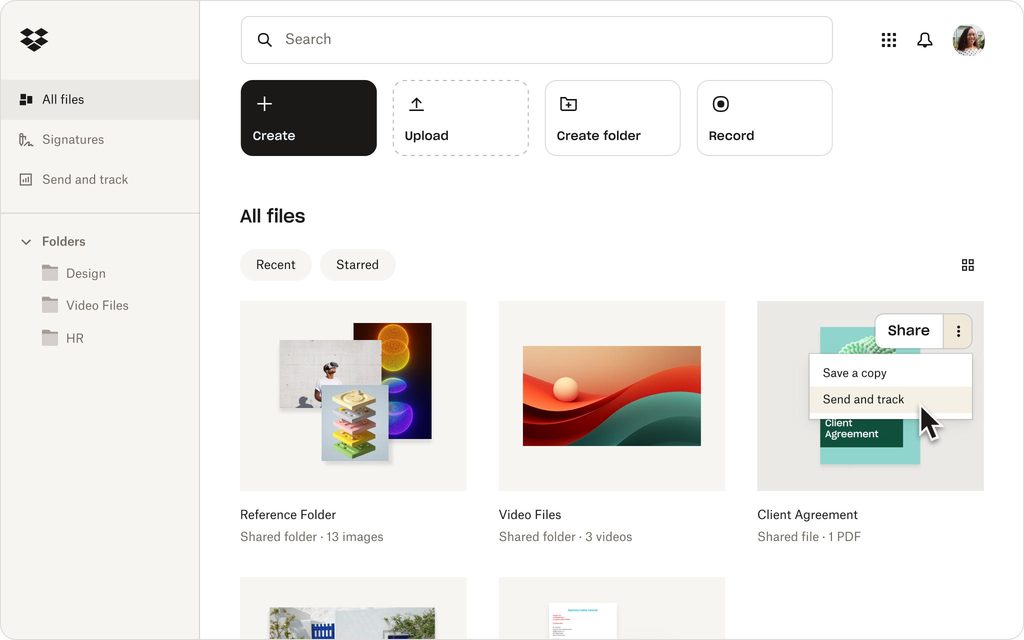
Dropbox helps freelancers store files, share folders, and deliver project documents. Its file-sharing features make it useful for managing large files and collaborating with clients.
Best for: Sharing project files and large documents.
3. Microsoft OneDrive
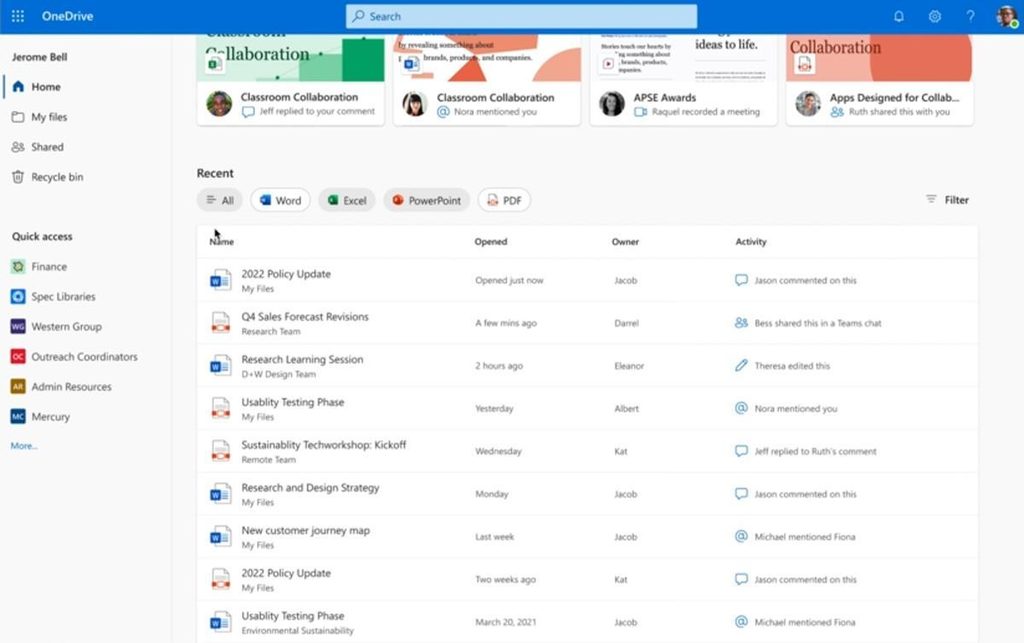
Microsoft OneDrive offers cloud storage and document sharing with Microsoft Office integration. Freelancers can share Word documents, Excel spreadsheets, and presentations while collaborating with clients.
Best for: Microsoft Office users.
4. Google Docs
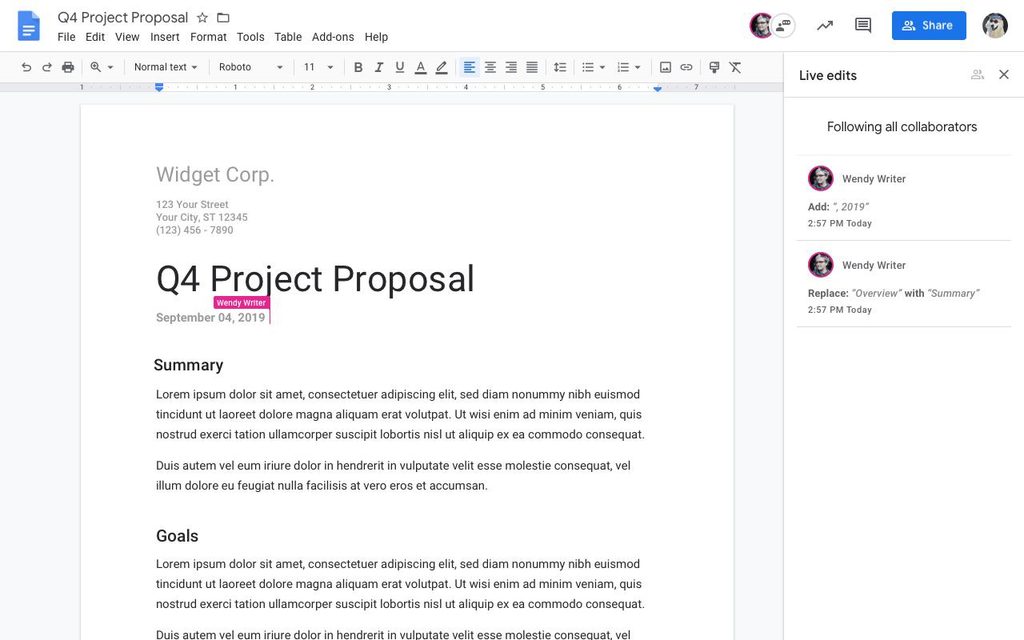
Google Docs allows freelancers to create documents, share them with clients, and collaborate in real time. Clients can review content, add comments, and suggest changes without downloading files.
Best for: Writing, editing, and document collaboration.
5. Box
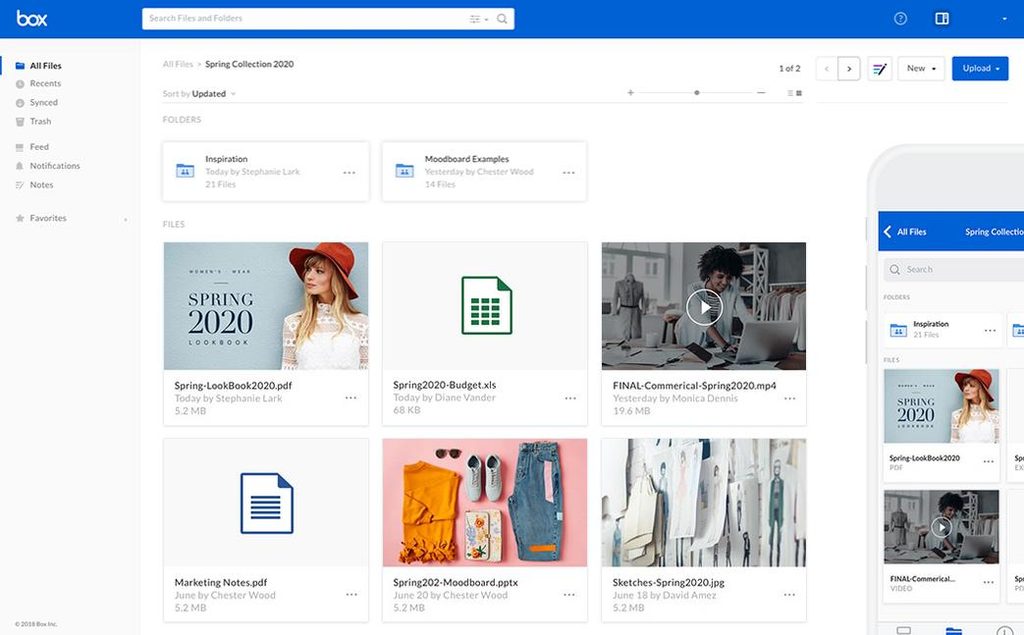
Box provides cloud storage, file sharing, collaboration, and access management. Freelancers working with businesses can use it to organize documents and manage shared project files.
Best for: Business document management.
6. WeTransfer
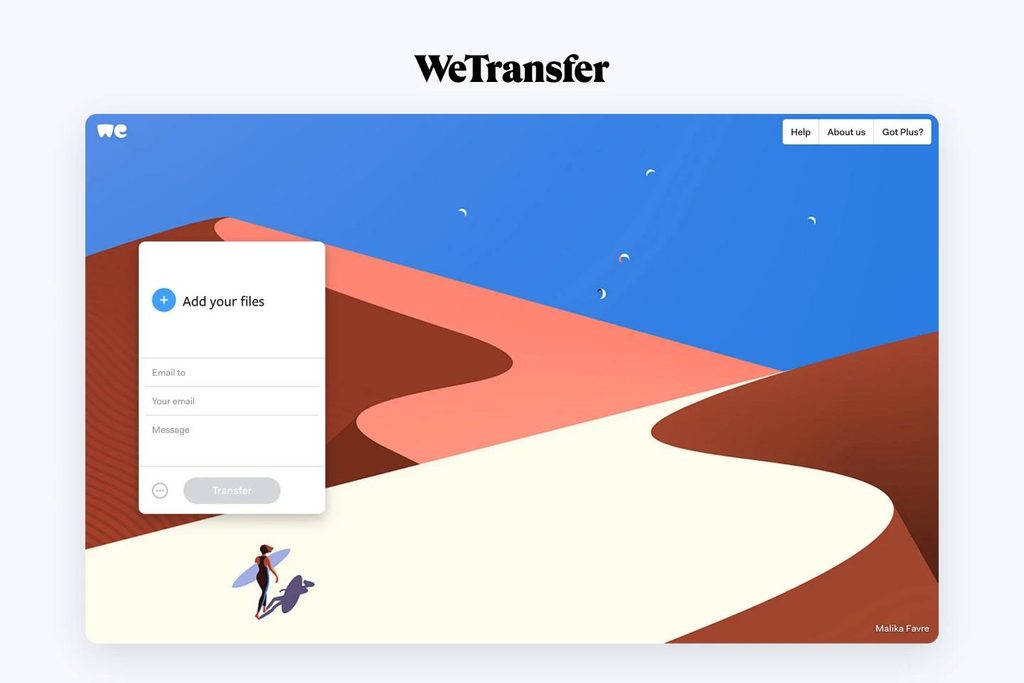
WeTransfer makes sending files simple. Freelancers can upload files and share download links with clients without creating complicated folder structures.
Best for: Sending large files quickly.
7. Notion
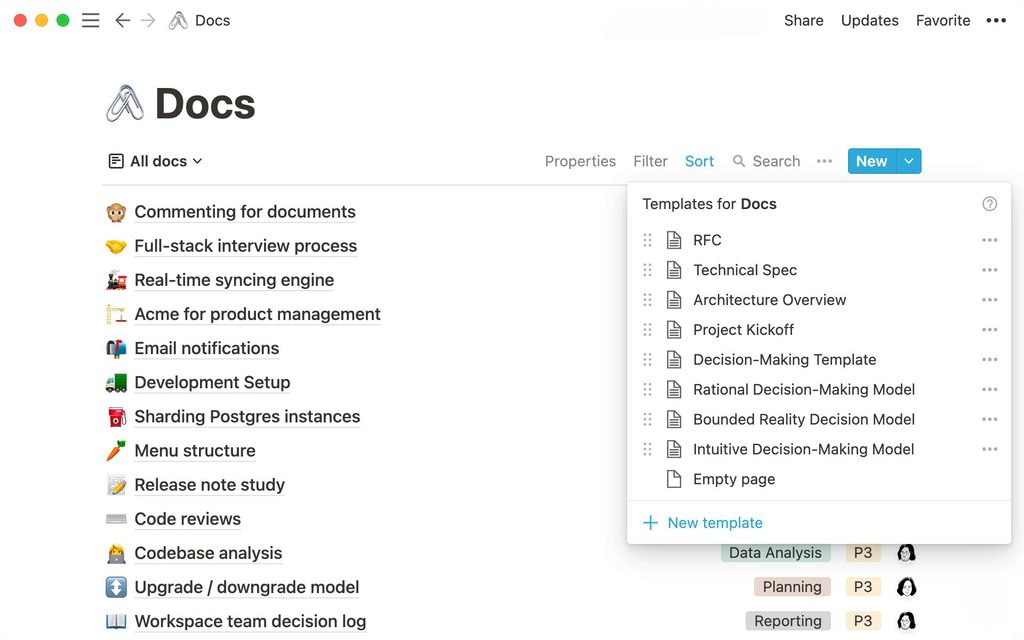
Notion combines documents, notes, databases, and collaboration. Freelancers can create client workspaces, share project documentation, and organize information in one place.
Best for: Project documentation and organized workspaces.
8. Zoho WorkDrive
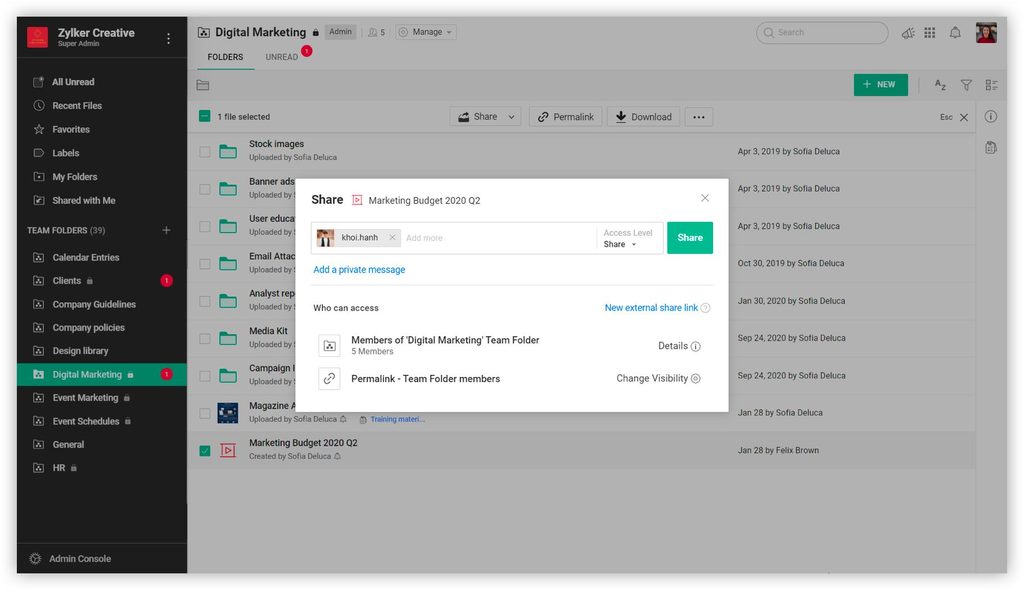
Zoho WorkDrive helps freelancers and teams store, organize, and share files. It provides shared folders and collaboration tools for managing business documents.
Best for: Freelancers and small teams.
9. pCloud
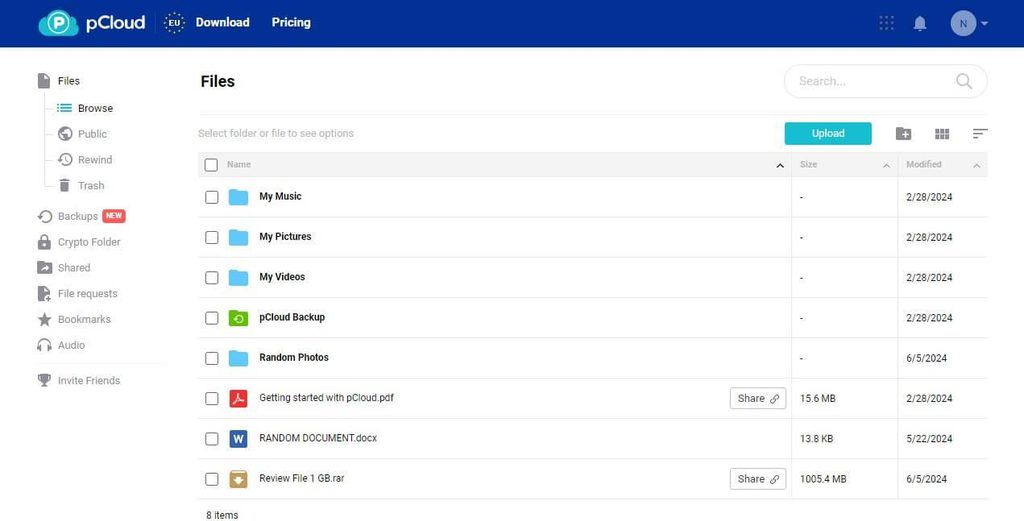
pCloud offers cloud storage, file synchronization, and sharing links. Freelancers can store project assets and share files without repeatedly sending email attachments.
Best for: File storage and sharing.
10. Google Drive
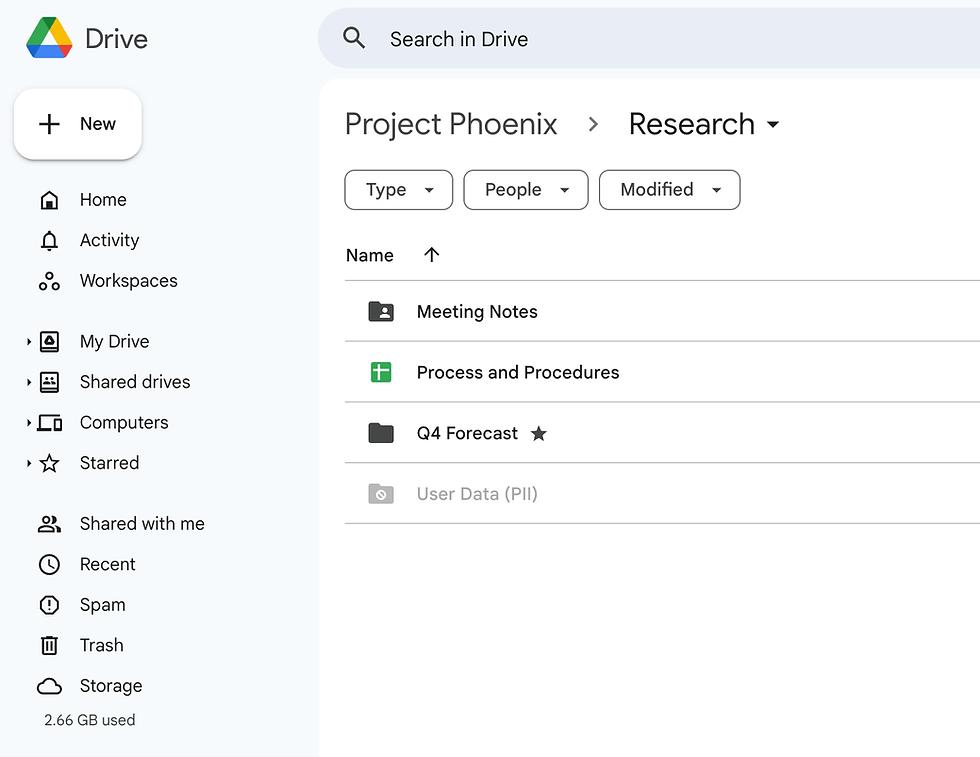
Google Drive allows freelancers to store documents online, share files through links, and collaborate with clients. Users can control access permissions and work with Google Docs, Sheets, and Slides.
Best for: Sharing documents and collaborating online.
Free Cloud Storage and File Sharing for Freelancers
Storage capacity is an important factor when choosing document sharing platforms. Freelancers need enough space to store client documents, project files, invoices, images, and work-related resources without paying expensive monthly fees.
Many cloud storage platforms offer free storage with limited capacity. For example, Google Drive offers 15 GB of free storage shared across Google services, while Dropbox Basic offers 2 GB of free storage.
Truedoit offers 5 GB of free file storage, allowing freelancers to store and manage important work files within their freelancer management workspace. Freelancers can also organize tasks, clients, invoices, notes, and file sharing from one platform, making it easier to manage daily work without switching between multiple productivity tools.
If you’re looking for a document sharing platform that combines file storage with freelancer productivity and client management features, Truedoit is worth exploring.
How to Choose the Best Document Sharing Platform
Before choosing a platform, consider your storage requirements, file sizes, security, collaboration features, and budget. If you frequently work with clients, choose a tool that makes sharing, reviewing, and organizing documents easy.
Some freelancers need only cloud storage, while others need complete productivity tools that combine document sharing, task management, and client management.
Conclusion
The best document sharing platforms help freelancers manage files, collaborate with clients, and simplify their daily work. From Google Drive and Dropbox to Notion and Truedoit, each platform offers different benefits.
Choose a tool that fits your workflow and helps you spend less time organizing files and more time completing projects and growing your freelance business.
Frequently Asked Questions
1. What are the best document sharing platforms for freelancers?
Truedoit, Dropbox, OneDrive, Box, Notion, and Google drive are popular options. Choose a platform based on your file storage needs, collaboration requirements, and workflow.
2. Are document sharing platforms free?
Many document sharing platforms offer free plans with limited storage or features. Freelancers can start with free plans and upgrade when they need more storage or advanced collaboration features.
3. How do freelancers share documents securely with clients?
Freelancers can share documents using restricted-access links, password protection where available, and permission settings. They should grant access only to intended recipients and avoid sharing sensitive files publicly.
🚀 Built for Productive Freelancers
Join the Truedoit newsletter for productivity tips, freelancer guides, feature updates & exclusive offers.
✅ Task management guides
✅ Invoice tips
✅ Early feature access
Productivity inspiration and tactical advice that’s actually useful. Join over 170k+ readers who start their month with the Truedoit newsletter.