



- Desktop to do list apps help users organize tasks, manage deadlines, and improve daily productivity.
- Features like reminders, calendar views, notifications, and task tracking help users stay organized and focused.
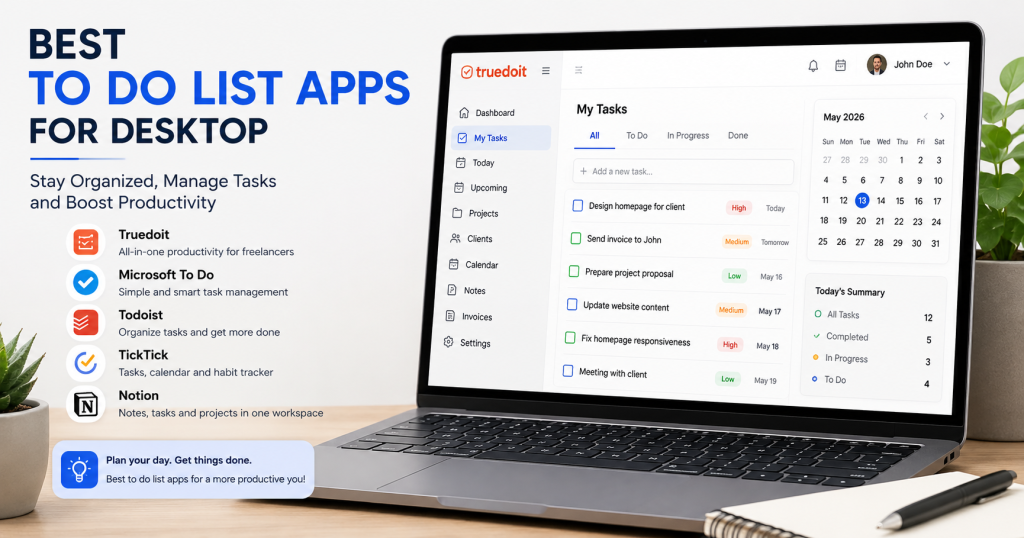
- Popular desktop productivity tools include Truedoit, Todoist, TickTick, Microsoft To Do, and Notion.
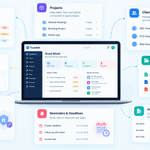
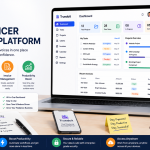
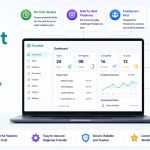
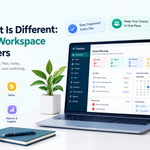
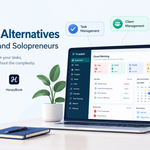
- Truedoit combines task management, client tracking, invoices, and workflow organization in one dashboard.
- Using a simple and organized to do list app helps freelancers and professionals manage projects more efficiently.
Managing daily work becomes easier when you use a proper todo list app on your desktop. Whether you are a freelancer, student, business owner, or remote worker, desktop task management tools help organize tasks, track deadlines, and improve productivity.
Manage Your Freelance Work Smarter
Stay organized with tasks, reminders, invoices, notes, files and daily workflow using Truedoit.
Try Truedoit FreeMany people still use paper notes or random reminders, but modern desktop to do list apps provide better organization, notifications, calendar views, and workflow management.
Why Use a Desktop ToDo List App?
Desktop productivity tools help users:
- Organize tasks clearly
- Track deadlines
- Set reminders
- Improve focus
- Reduce missed work
- Manage multiple projects
Using a dedicated task manager also helps users avoid distractions compared to mobile-only apps.
Features to Look For
Before choosing a to do list app, check for features such as:
- Easy task creation
- Calendar view
- Priority settings
- Notifications
- Client or project tracking
- Cross-device syncing
- Simple user interface
A clean and lightweight dashboard usually improves productivity.
Best To Do List Apps for Desktop
1. Truedoit
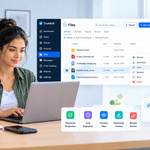
Truedoit is a freelancer-focused productivity platform that combines task management, client management, invoices, and workflow tracking in one dashboard. It helps freelancers organize work efficiently without using multiple tools.
2. Microsoft To Do
Microsoft To Do offers a simple and clean interface for daily task planning. It works well with Windows devices and Microsoft accounts.
3. Todoist
Todoist is one of the most popular task management tools for personal and professional productivity. It includes reminders, recurring tasks, and project organization.
4. TickTick
TickTick combines task management with calendar planning and habit tracking features.
5. Notion
Notion helps users manage notes, projects, documents, and tasks inside one customizable workspace.
How To Do List Apps Improve Productivity
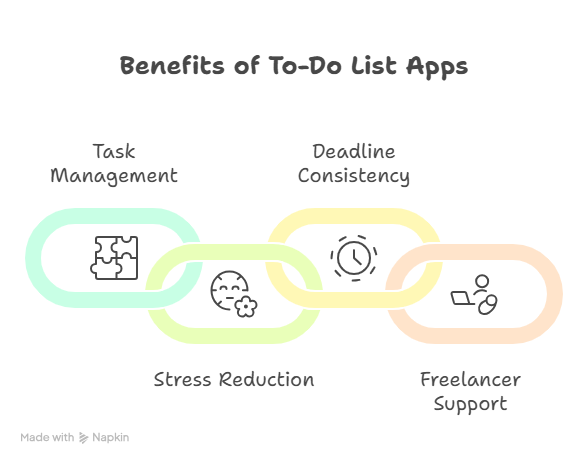
To do list apps help users break large projects into smaller tasks. This makes work easier to manage and reduces stress. Notifications and reminders also help users stay consistent with deadlines.
Freelancers especially benefit from productivity tools because they often manage multiple clients and projects at the same time.
ToDo list apps
Desktop to do list apps are essential tools for staying productive in modern work environments. Platforms like Truedoit, Todoist, TickTick, Microsoft To Do, and Notion help users organize tasks and manage daily workflow more efficiently.
Choosing the right tool depends on your work style, project size, and productivity needs. Simple and organized systems usually lead to better focus and improved work performance.
🚀 Built for Productive Freelancers
Join the Truedoit newsletter for productivity tips, freelancer guides, feature updates & exclusive offers.
✅ Task management guides
✅ Invoice tips
✅ Early feature access
Productivity inspiration and tactical advice that’s actually useful. Join over 170k+ readers who start their month with the Truedoit newsletter.

