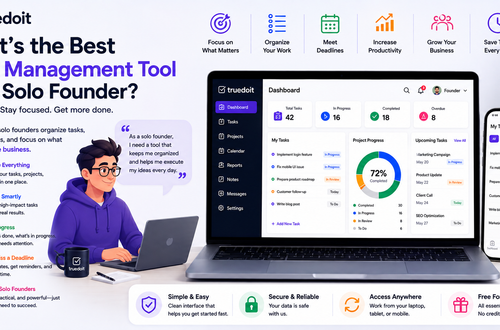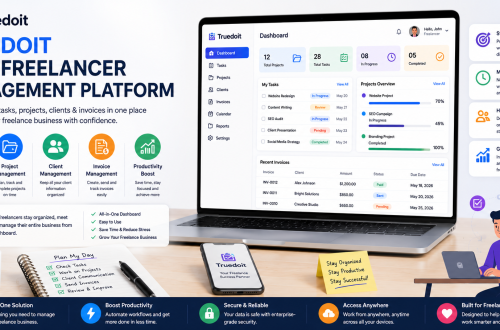










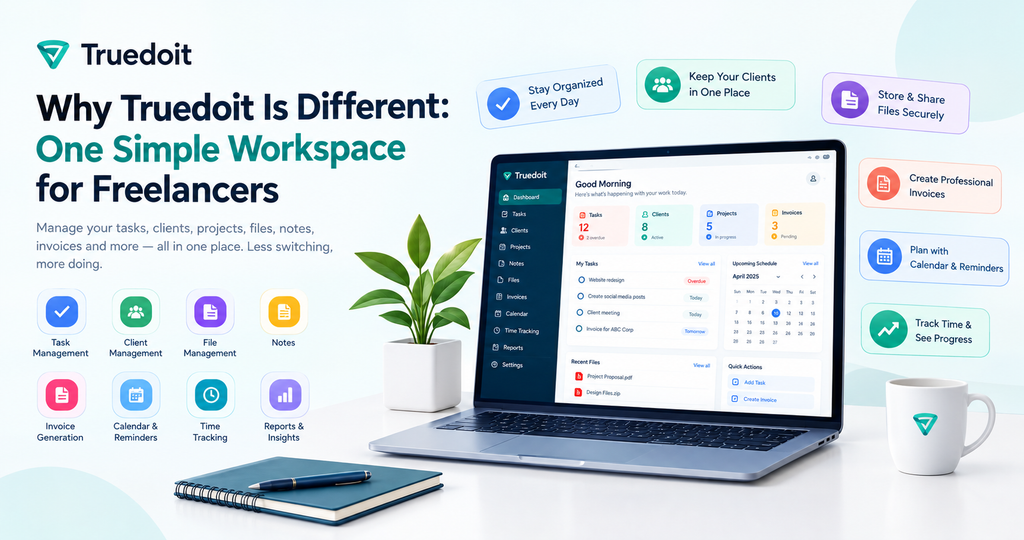
Freelancers do much more than complete tasks. Every day, they manage clients, remember requirements, organize project files, meet deadlines, send invoices, and follow up on payments. Truedoit is a workspace for freelancers that brings these daily activities into one simple, connected place.
Manage Your Freelance Work Smarter
Stay organized with tasks, reminders, invoices, notes, files and daily workflow using Truedoit.
Try Truedoit FreeMany freelancers currently use WhatsApp or email for communication, Google Drive for files, Notion or notes apps for ideas, Trello for tasks, spreadsheets for tracking, and another tool for invoices. Moving between all of these tools wastes time and increases the chance of missing an important client detail.
Truedoit helps freelancers manage this work from one organized workspace.
The Problem With Multiple Tools
Using separate apps may work when you have only one or two clients. But when freelance work grows, it becomes difficult to remember where every task, file, note, and invoice is stored.
Freelancers often ask:
- Where did the client send the project requirement?
- Which file is the latest version?
- What task is due today?
- Which client has not replied?
- Where are the meeting notes?
- Has the invoice been paid?
- Did I already share the final file?
When answers are spread across many apps, freelancers spend time searching and organizing instead of completing client work.
That is the problem Truedoit is built to solve.
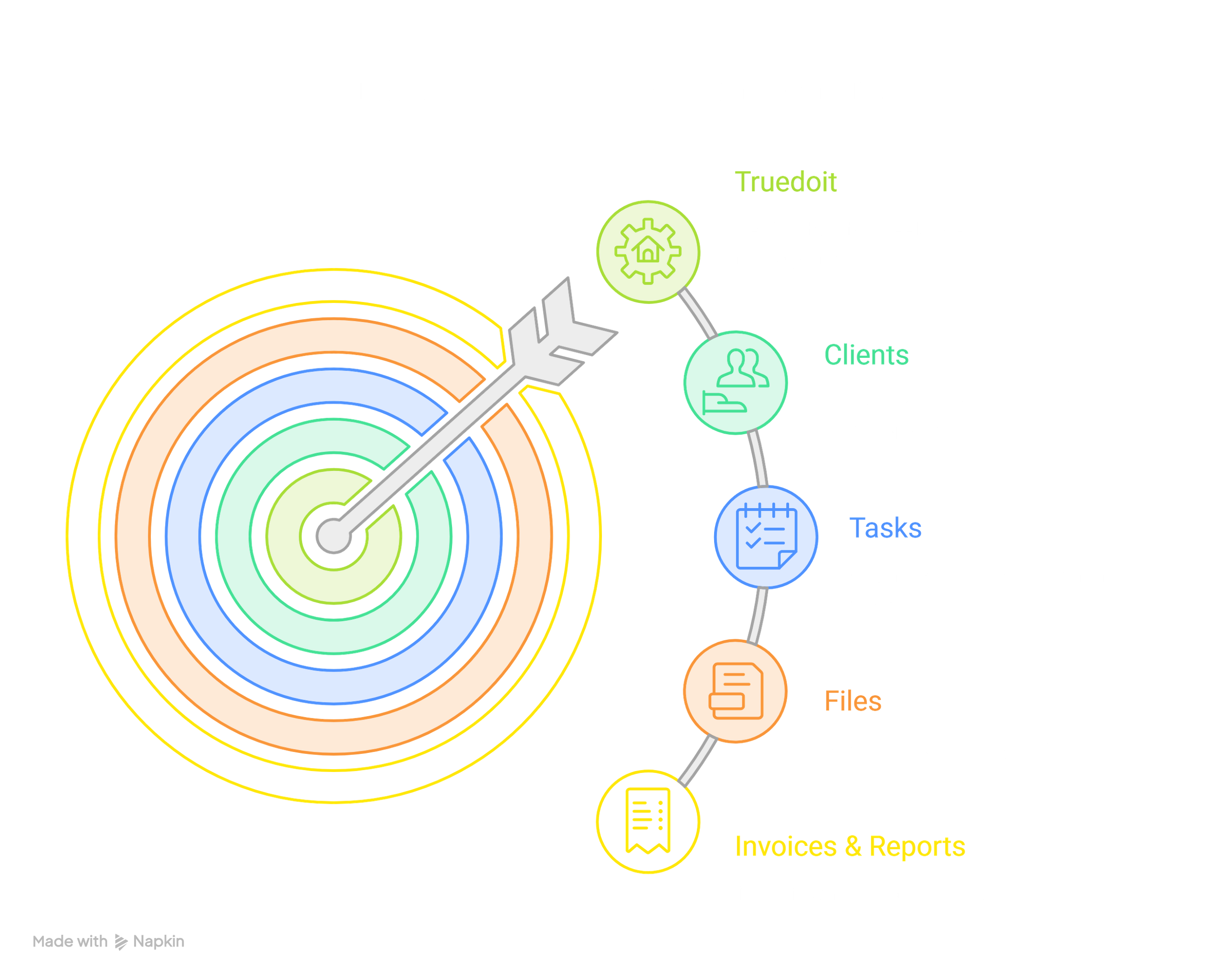
A Simple Workspace for Freelancers
Truedoit is more than a task manager. It is more than a file-sharing tool. It is more than an invoicing app.
Truedoit is a workspace for freelancers that combines the important parts of daily freelance work in one place:
| Freelance need | How Truedoit helps |
|---|---|
| Daily tasks | Create, organize, complete, and track tasks |
| Deadlines | View today’s work, upcoming tasks, and overdue tasks |
| Clients | Keep every client’s information and work organized |
| Notes | Store client requirements, ideas, meeting notes, and feedback |
| Files | Upload and organize documents, assets, and deliverables |
| File sharing | Share files with clients through a controlled URL |
| Invoices | Track invoices and payment-related work |
| Reports | Review work progress and task activity |
| Personal work | Keep personal tasks separate from client tasks |
Instead of switching between many apps, freelancers can use one dashboard to see what needs attention.
One Client, One Organized Workspace
A designer, writer, developer, social-media manager, consultant, or virtual assistant may work with many clients at the same time.
Without one organized system, their workflow may look like this:
Client messages → WhatsApp and email
Project notes → Google Docs, Notion, or phone notes
Files → Google Drive
Tasks → Trello, ClickUp, or a notebook
Invoices → Excel or another invoicing app
Deadlines → Calendar reminders
With Truedoit, important client work can stay connected:
Truedoit Client Workspace
→ Client details
→ Tasks and deadlines
→ Notes and requirements
→ Project files
→ File-sharing links
→ Invoices
When a freelancer opens a client in Truedoit, they should be able to find the important work context without searching through multiple apps.
That is the difference: Truedoit connects the work, not just the features.
Built for Daily Freelance Work
Many business-management products are made for large teams, agencies, or enterprise companies. They can be difficult to set up and may include features freelancers do not need.
Truedoit is designed as a simple workspace for freelancers who want to stay organized without building a complex system.
Freelancers can use Truedoit every day to:
- Check today’s tasks
- Review upcoming deadlines
- Identify overdue work
- Add and manage clients
- Store client notes and requirements
- Upload project files
- Share a file with a client through a URL
- Choose whether downloads are allowed
- Revoke a file-sharing link when needed
- Track invoices and payment follow-ups
- Review work through reports
The goal is not to add more complexity. The goal is to help freelancers feel clear, organized, and in control.
File Sharing With Control
Freelancers regularly send designs, documents, images, reports, proposals, project assets, and final deliverables to clients.
Truedoit helps users organize those files and share them through a URL. Instead of searching for email attachments or sending files through many applications, freelancers can create a share link and send it to a client.
The freelancer remains in control of every shared file:
- Enable or disable sharing
- Copy and share a file URL
- Decide whether the client can download the file
- Revoke access when the file should no longer be available
- Keep the file connected to the right client and project
Truedoit is building toward a better client-workflow experience. A complete client portal can come later, while secure and controlled file-sharing links help freelancers deliver work simply today.
Notes That Stay Connected to Work
For freelancers, notes are part of the project. Notes often contain details needed to complete work correctly.
A client note may include:
- Project requirements
- Meeting decisions
- A creative brief
- Requested revisions
- Client feedback
- Brand preferences
- Ideas for future work
- Important follow-up reminders
When notes are stored separately from tasks and files, important details can be lost. A workspace for freelancers should keep notes connected to the correct client, project, tasks, and files.
For example, a freelancer could store this note under a client:
“The client needs final Instagram creatives by Friday. Use the new brand colors. Two designs need approval before final delivery. Follow up tomorrow for the logo files.”
This note can sit beside the client’s tasks, deadlines, files, and invoice information—not get lost in WhatsApp or a random document.
Why Truedoit Is Different
Truedoit does not try to replace every tool a freelancer uses. It focuses on connecting the daily parts of freelance work that are usually scattered across different apps.
A freelancer can use Truedoit to manage:
- Clients
- Daily tasks
- Upcoming and overdue work
- Notes
- Project files
- File-sharing links
- Invoices
- Reports
- Personal work
The core idea is simple:
Freelancers should not need to search through many tools to manage one client project.
Truedoit brings these important features together in one workspace for freelancers.
The Future of Truedoit
Truedoit is being built step by step, based on the real workflow challenges freelancers face.
The current focus is to make client management, tasks, invoices, notes, files, and controlled file sharing simple and useful. Over time, Truedoit can add more collaboration features, such as:
- Client portals
- Shared project updates
- Client file uploads
- File comments
- Client approvals
- Recurring task workflows
- Better productivity reports
- Advanced sharing controls
But the purpose will remain the same:
One simple workspace for freelancers to manage daily client work.
Whether you are a designer, writer, social-media manager, developer, consultant, virtual assistant, or small agency owner, Truedoit helps you keep tasks, clients, notes, files, deadlines, and invoices organized in one place.
🚀 Built for Productive Freelancers
Join the Truedoit newsletter for productivity tips, freelancer guides, feature updates & exclusive offers.
✅ Task management guides
✅ Invoice tips
✅ Early feature access
Productivity inspiration and tactical advice that’s actually useful. Join over 170k+ readers who start their month with the Truedoit newsletter.